Agent Instructions for New Projects
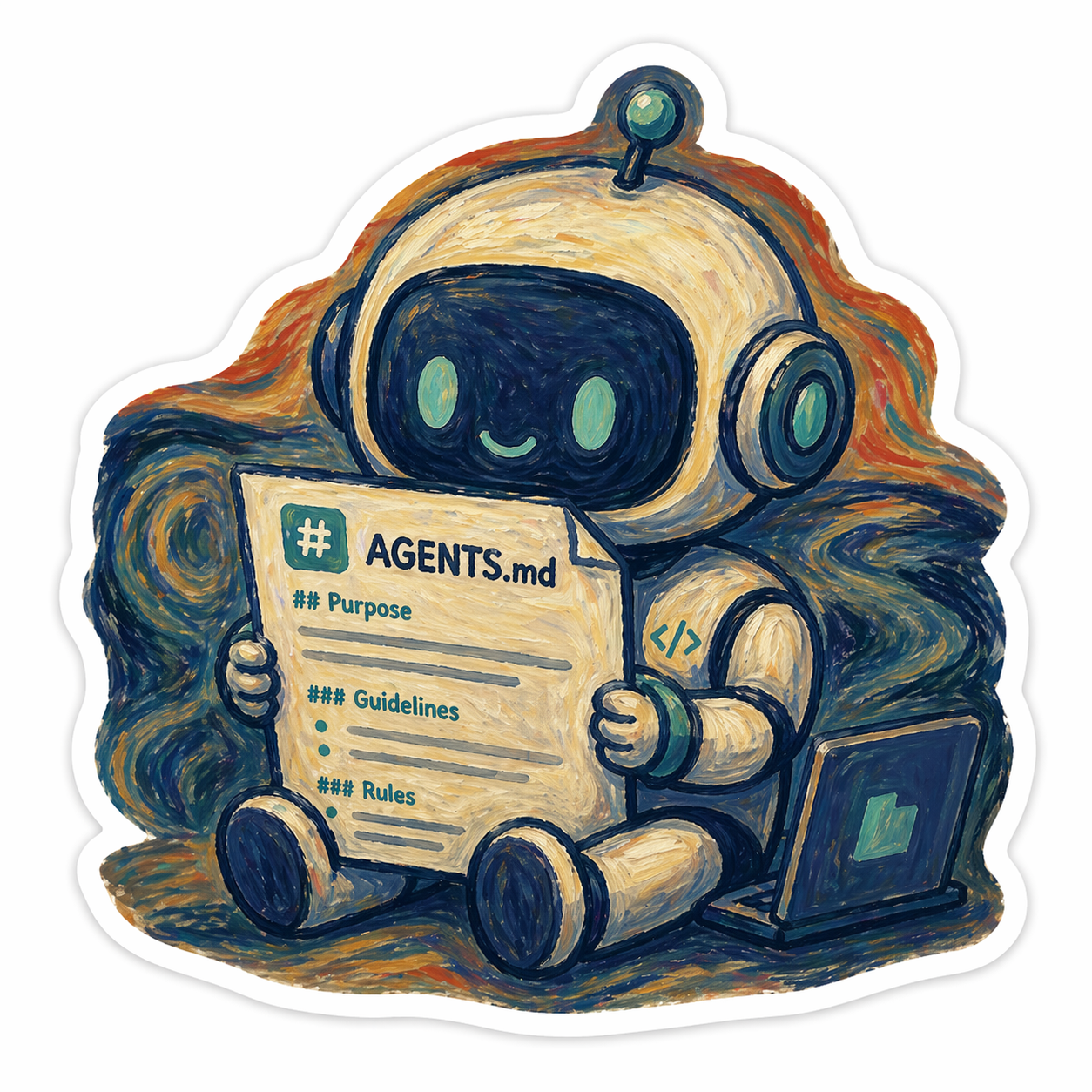
Teaching agents how I like to work
I started using VS Code with different AI coding assistants — GitHub Copilot, Claude, and Codex.
All of them can help with code, but I do not want to repeat the same preferences every time:
- use Python
- use
.venv - avoid overengineering
- keep projects clean
- never commit secrets
- make the repo portfolio-ready
So I created a small reusable project template with simple instruction files for agents.
The idea is simple: every new project should already contain my preferred rules before the agent starts generating files.
Basic template structure
My template folder looks like this:
PYTHON-AGENT-TEMPLATE/
├─ .github/
│  └─ copilot-instructions.md
├─ .gitignore
├─ AGENTS.md
└─ CLAUDE.md
The main file is:
AGENTS.md
This is the source of truth.
The other files only point to it.
Main instruction file
AGENTS.md contains the actual rules:
- Use Python by default.
- Prefer simple, readable, functional-style code.
- Avoid classes unless they clearly improve the design.
- Use a local `.venv`.
- Never install packages globally.
- Keep projects clean, minimal, public-safe, and easy to run.
- Make projects secure, professional, and release-ready.
- Prefer this structure: `src/`, `tests/`, `README.md`, `.env.example`, `.gitignore`, `pyproject.toml`.
- For simple scripts, avoid overengineering.
- Separate API calls, parsing, business logic, and output.
- Use git.
- Never commit secrets, API keys, tokens, or `.env`.
- Keep README short and useful: purpose, install, run, environment variables, examples.
- Mention AI/agent contribution when relevant.
- Check that the project can run from a fresh clone.
- Use small logical git commits.
- Prefer practical over theoretical.
- Prefer clean and minimal over complex.
- Prefer reusable scripts and automation where it saves future work.
- Keep plain-text specs/docs close to code.
- Write beginner-readable but professional code.
- When unsure, choose the simplest maintainable solution.
- Use semantic versioning so projects can be released on GitHub.
- Make projects clear and polished enough to showcase in a portfolio.
Claude instructions
For Claude, I created:
CLAUDE.md
With only this inside:
Follow the project instructions in `AGENTS.md`.
This keeps the setup simple.
I do not want to maintain separate instruction files with different rules.
GitHub Copilot instructions
For Copilot, I created:
.github/copilot-instructions.md
With the same pointer:
Follow the project instructions in `AGENTS.md`.
Again, the idea is to keep only one real source of truth.
Codex instructions
For Codex, I use:
AGENTS.md
No extra pointer file is needed.
How I use the template
When I start a new project, I copy the template folder:
cp -R PYTHON-AGENT-TEMPLATE my-new-project
cd my-new-project
code .
On Windows PowerShell:
Copy-Item -Recurse PYTHON-AGENT-TEMPLATE my-new-project
cd my-new-project
code .
Then I ask the agent:
Read AGENTS.md first. Initialize this project according to these instructions.
After that, the agent should already know my preferred style before creating the project structure.
Initialize git
For a new project:
git init
git add .
git commit -m "initial project template"
Then I can continue building normally.
Why this matters
AI agents are powerful, but without clear instructions they may create messy projects: too many files, unnecessary classes, unclear structure, or unsafe handling of secrets.
A small AGENTS.md file helps guide the work from the beginning.
It is not magic.
But it gives the agent a clear direction.
For me, the goal is simple: every project should be clean, secure, understandable, and good enough to showcase later.
References
These filenames are based on the official documentation for each tool:
-
GitHub Copilot repository custom instructions:
.github/copilot-instructions.md
https://docs.github.com/copilot/customizing-copilot/adding-custom-instructions-for-github-copilot -
Claude Code project memory:
CLAUDE.md
https://docs.anthropic.com/en/docs/claude-code/memory -
Codex custom instructions:
AGENTS.md
https://developers.openai.com/codex/guides/agents-md